


Lisslune | 1080P HD Mini Camera
-
 Free Shipping
-
 30-Day Return Policy
-
 50% OFF
New Women's Body Measurements Size Chart
All measurements in cm.
| EU Size | Size (EU) | UK Size | Bust (cm) | Waist (cm) | Hips (cm) | Shoulder (cm) |
|---|---|---|---|---|---|---|
| 32 | XXS | 4 | 75–80 | 56–61 | 81–86 | 36.5 |
| 34 | XS | 6 | 81–87 | 62–67 | 87–92 | 37.25 |
| 36 | S | 8 | 88–93 | 68–73 | 93–99 | 38 |
| 38 | M | 10 | 94–101 | 74–83 | 100–109 | 38.75 |
| 40 | L | 12 | 102–109 | 84–94 | 110–119 | 39.5 |
| 42 | XL | 14 | 110–119 | 95–105 | 120–129 | 40.3 |
| 44 | XXL | 16 | 120–129 | 106–117 | 130–139 | 42.5 |
| 46 | 3XL | 18 | 130–139 | 118–129 | 140–149 | 43 |
New Men's Body Measurements Size Chart
All measurements in cm.
| EU Size | Size (EU) | UK Size | Chest (cm) | Waist (cm) | Hips (cm) | Shoulder (cm) |
|---|---|---|---|---|---|---|
| 46 | S | 36 | 93–97 | 81–87 | 92–97 | 42.3 |
| 48 | M | 38 | 98–102 | 82–88 | 98–104 | 44.3 |
| 50 | L | 40 | 103–111 | 89–99 | 105–110 | 46.3 |
| 52 | XL | 42 | 112–121 | 100–110 | 111–116 | 47.3 |
| 54 | XXL | 44 | 122–131 | 111–121 | 117–124 | 48.3 |
| 56 | 3XL | 46 | 132–141 | 122–123 | 125–132 | 49.3 |
Product Highlights:
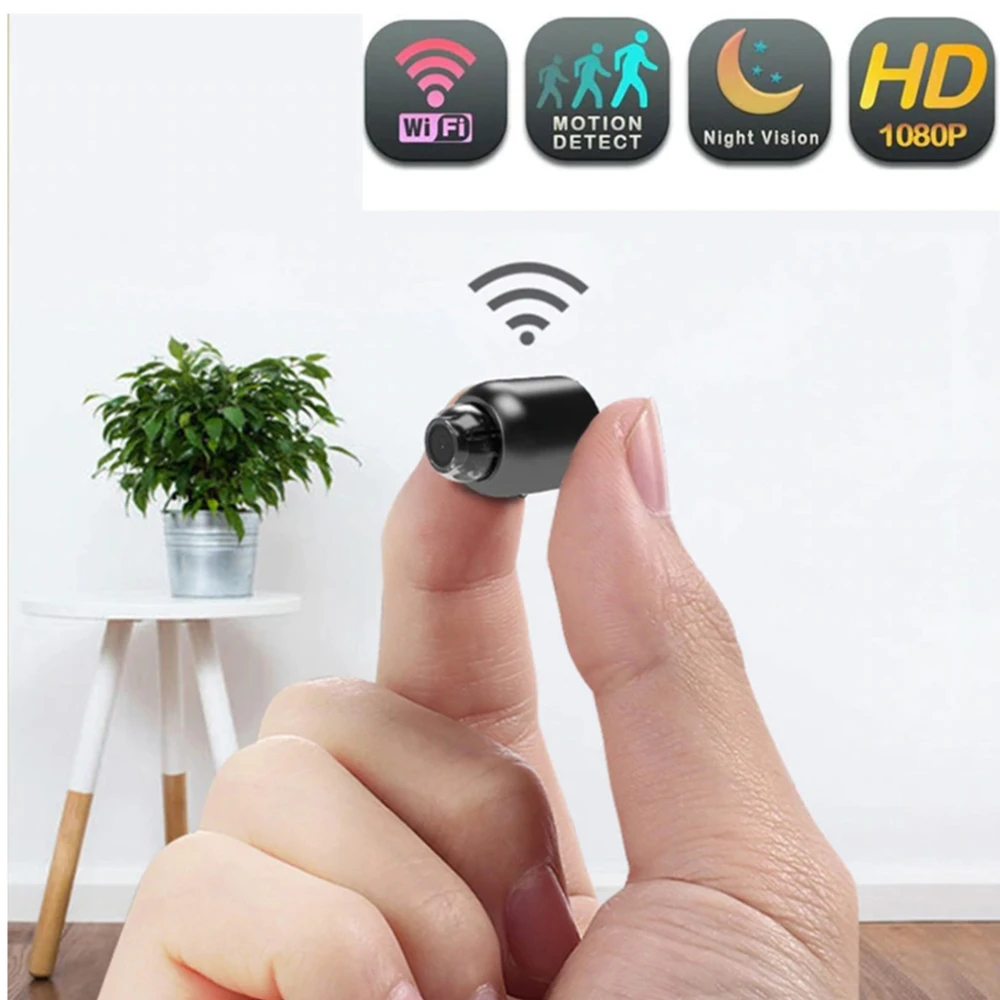
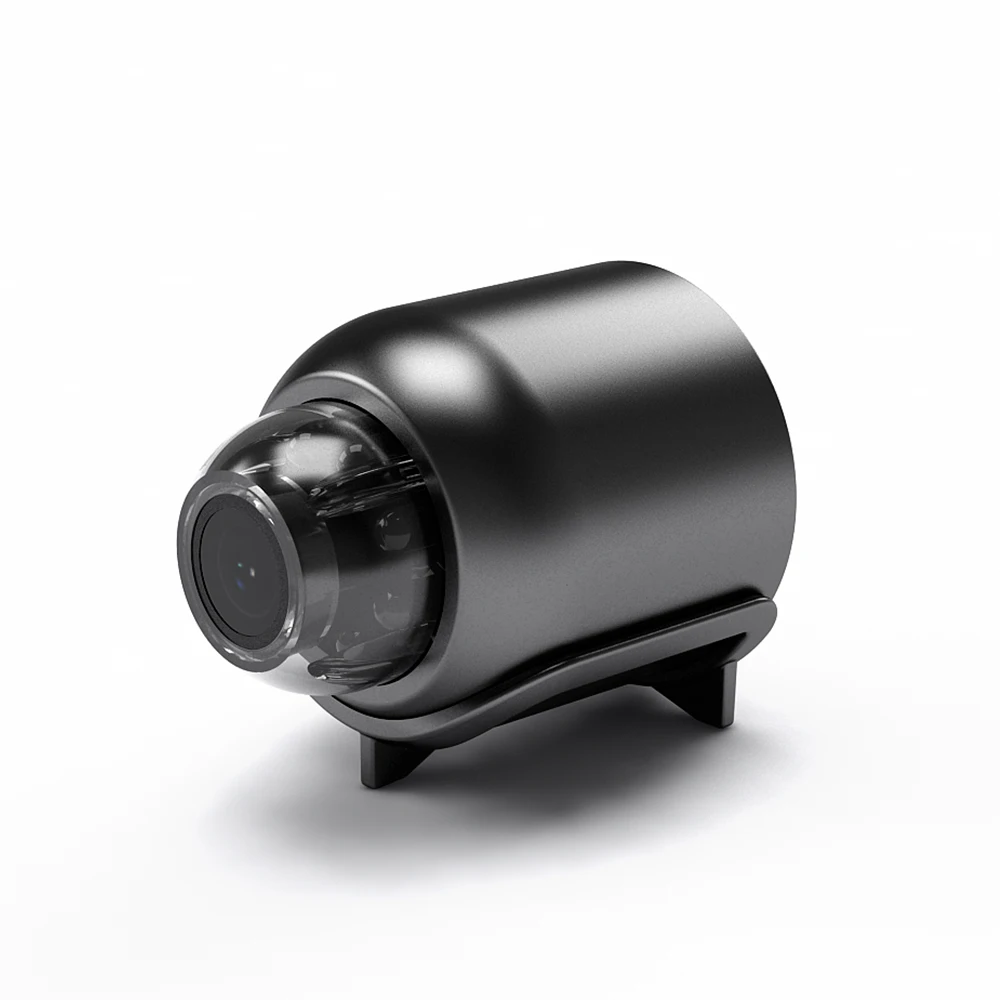
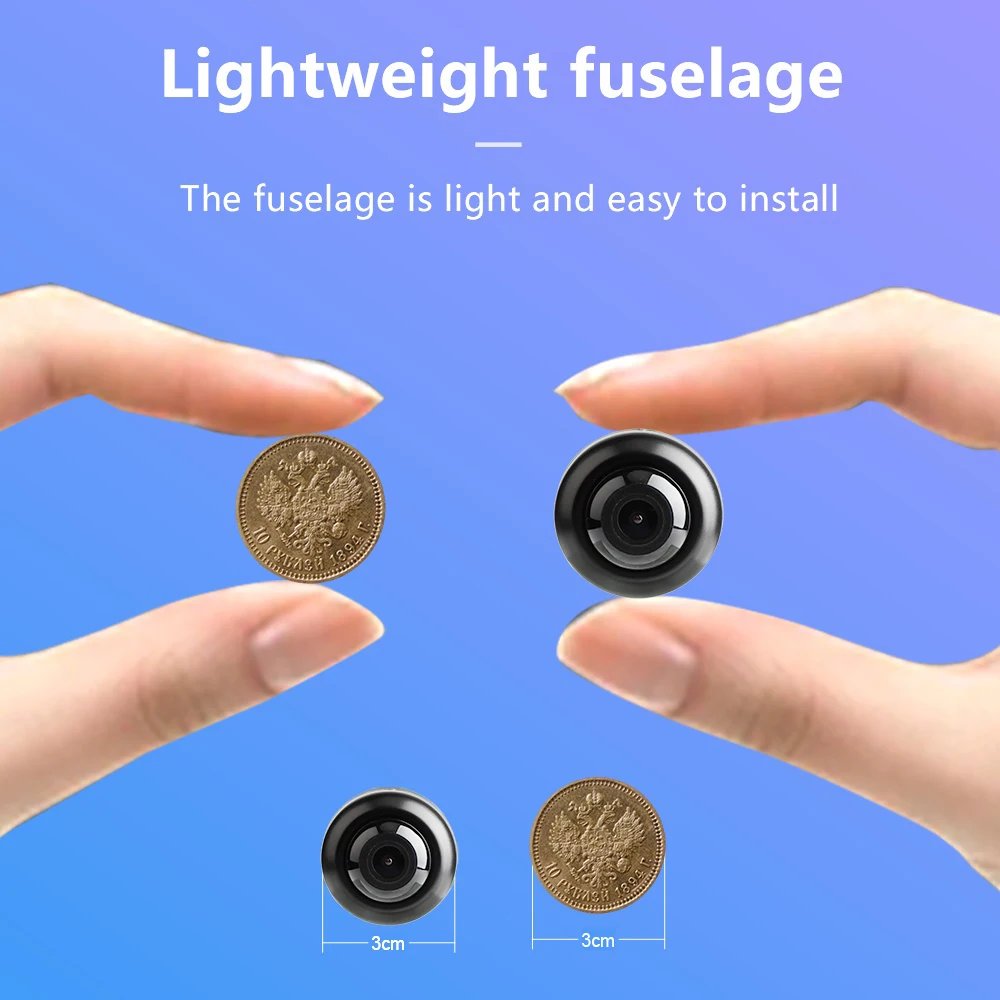
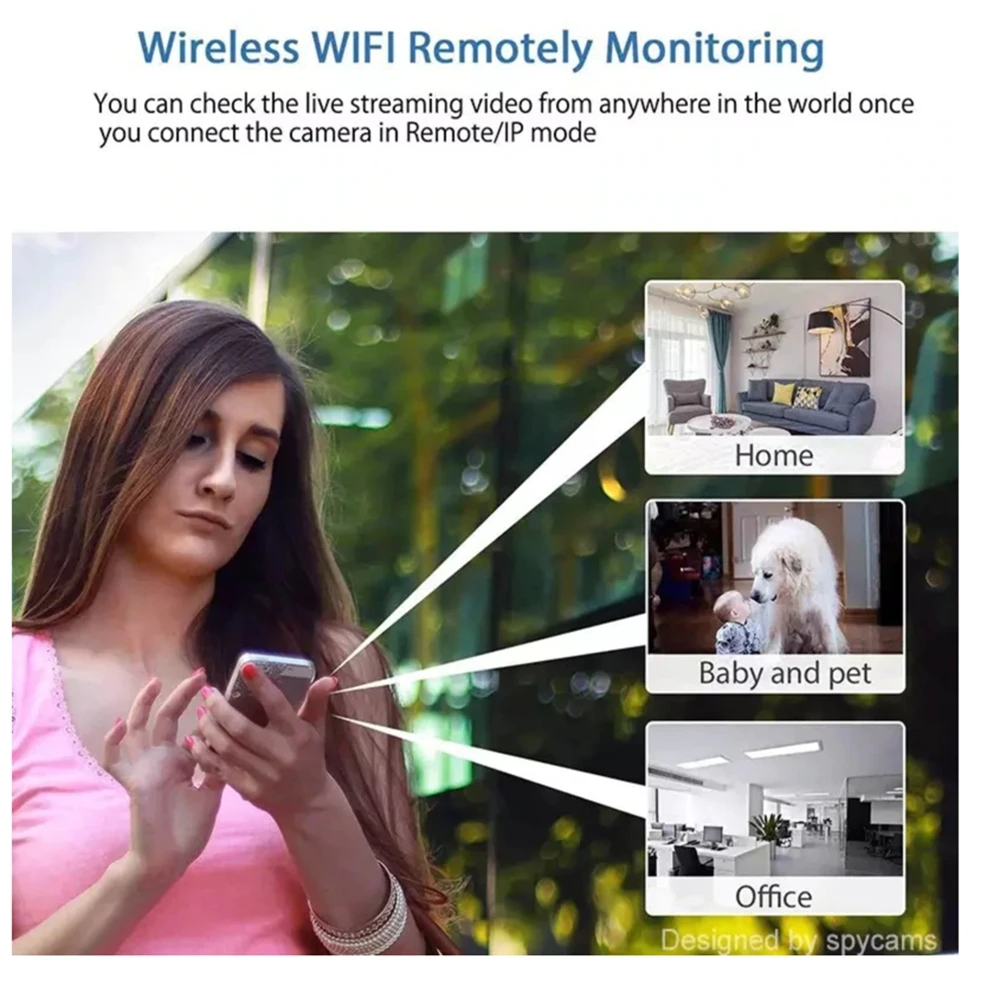
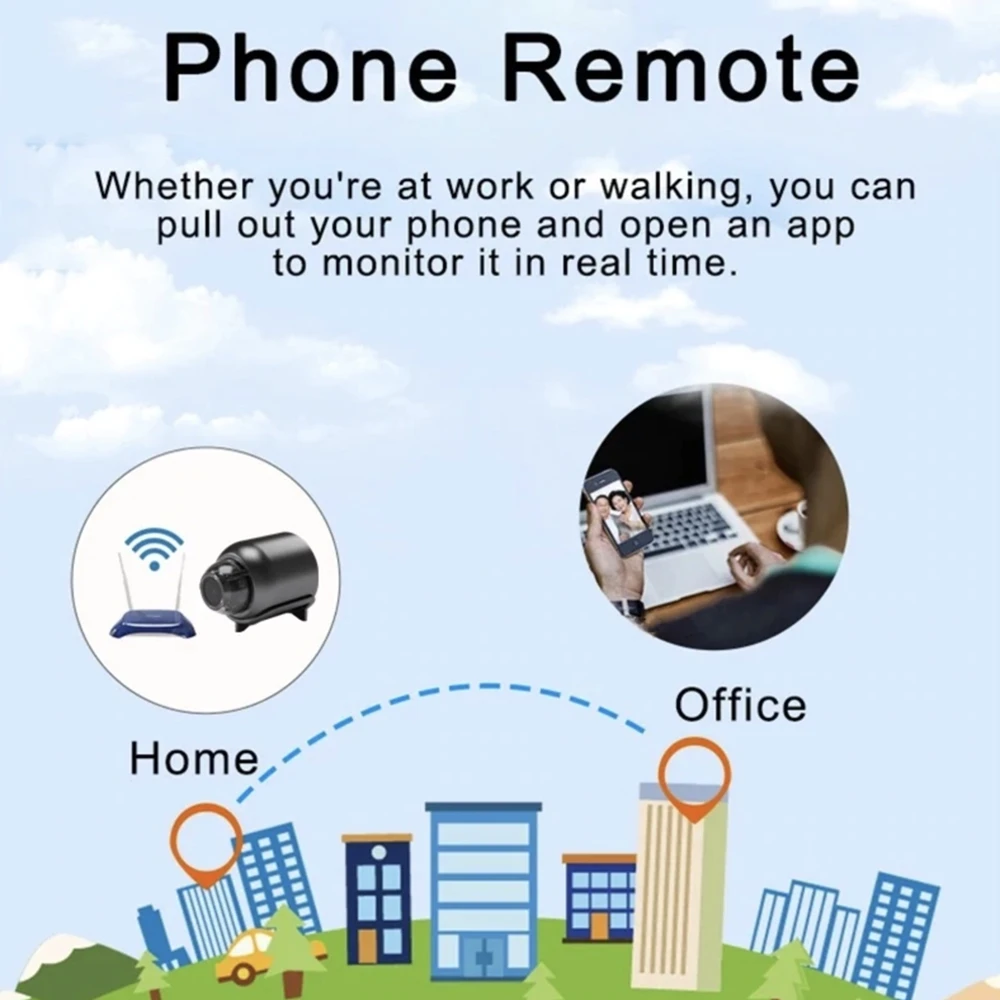
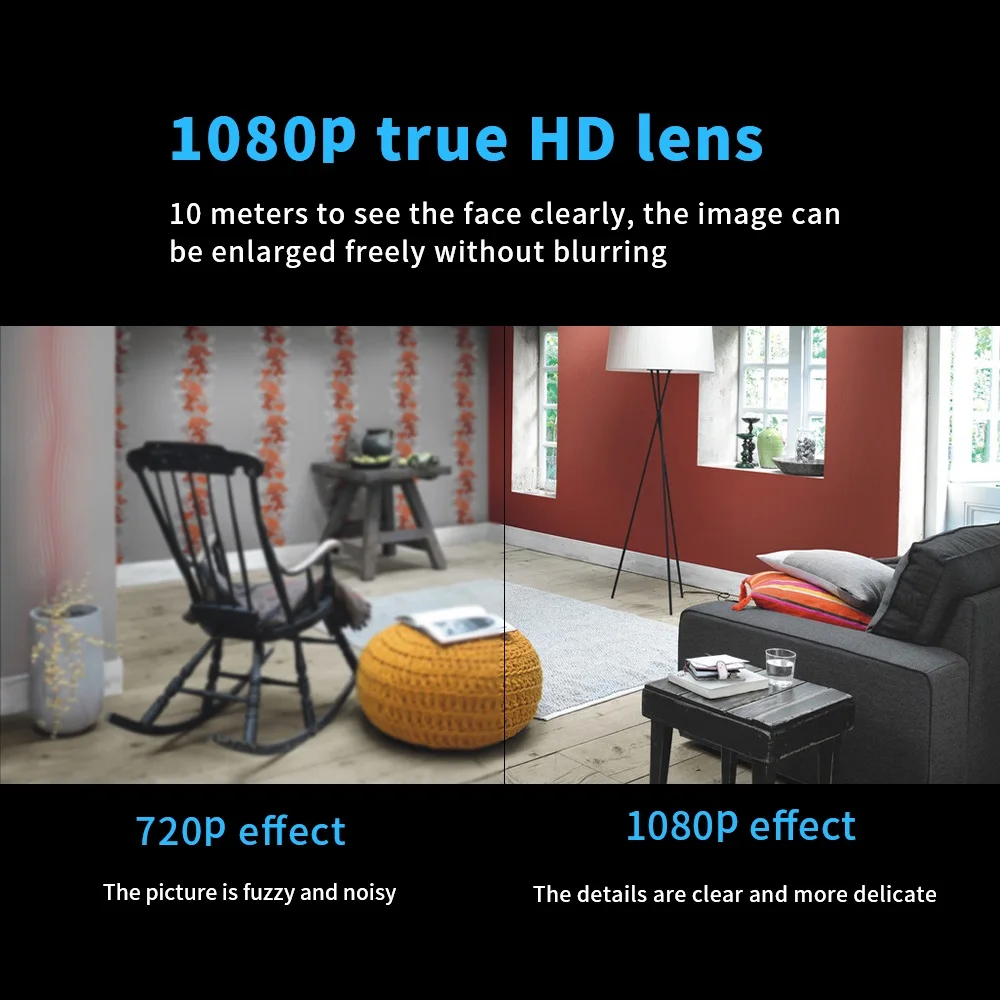
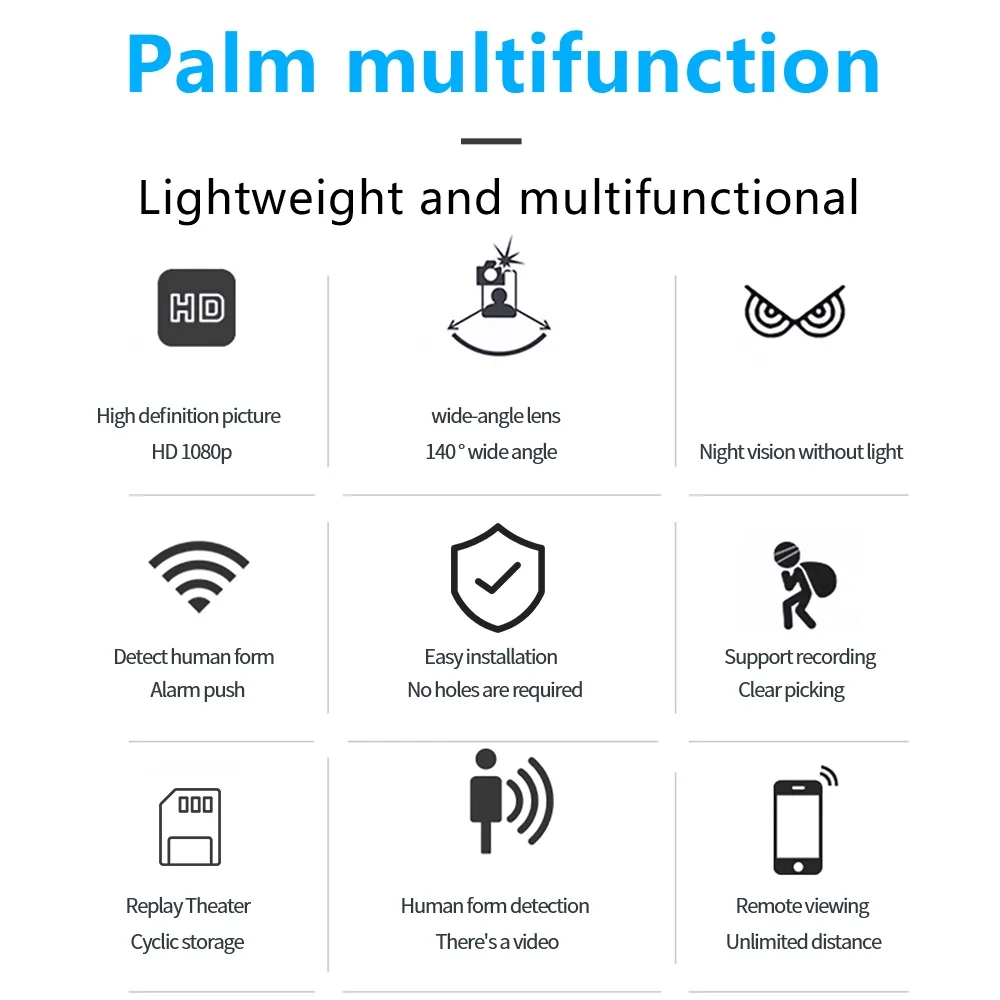
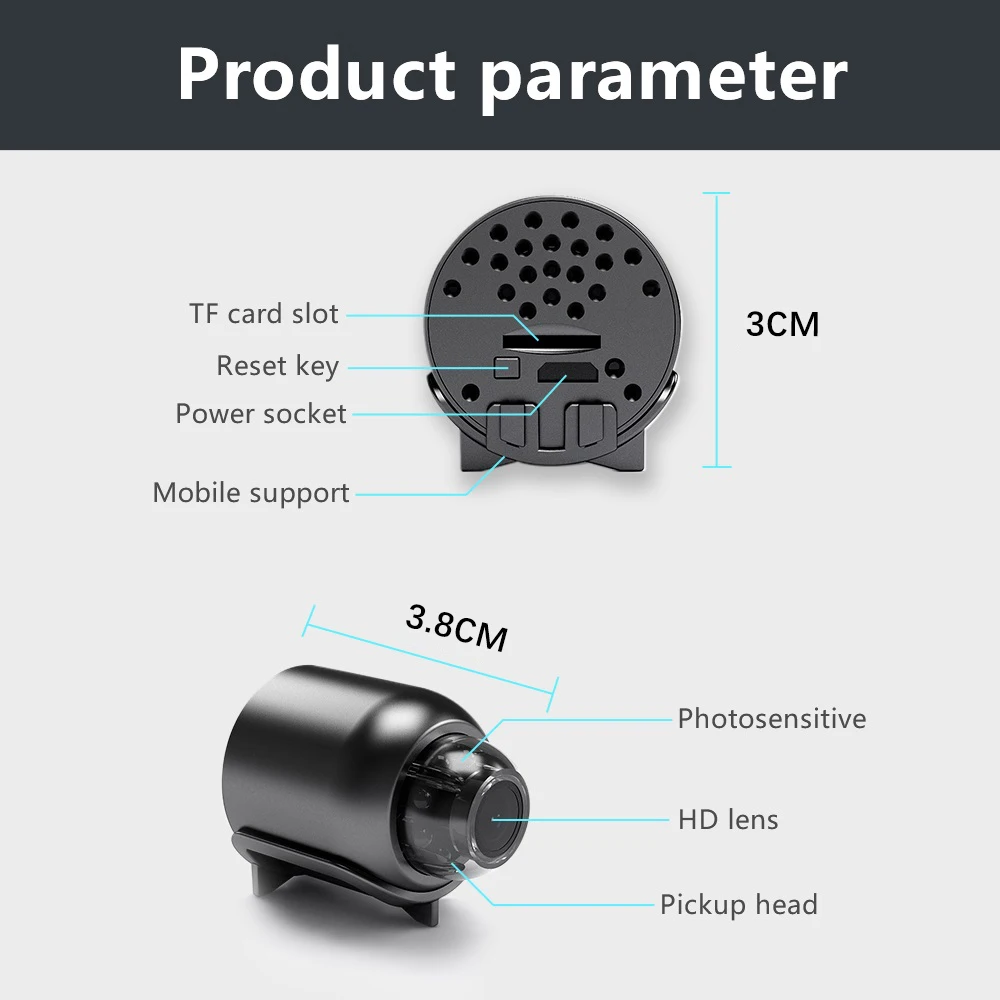
1. Space-saving design, energy-efficient, delivers 1080P HD video, WIFI-enabled webcam, allows mobile remote surveillance, features a rotating magnetic base.
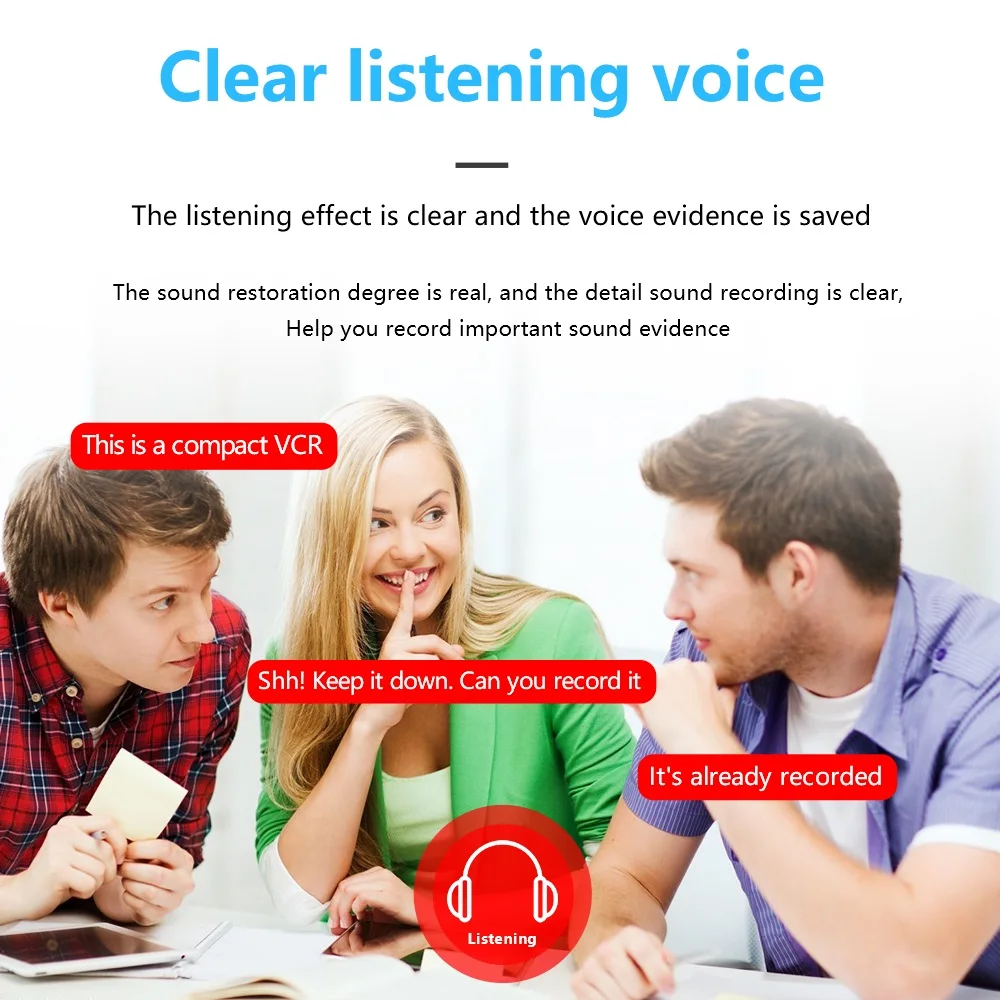
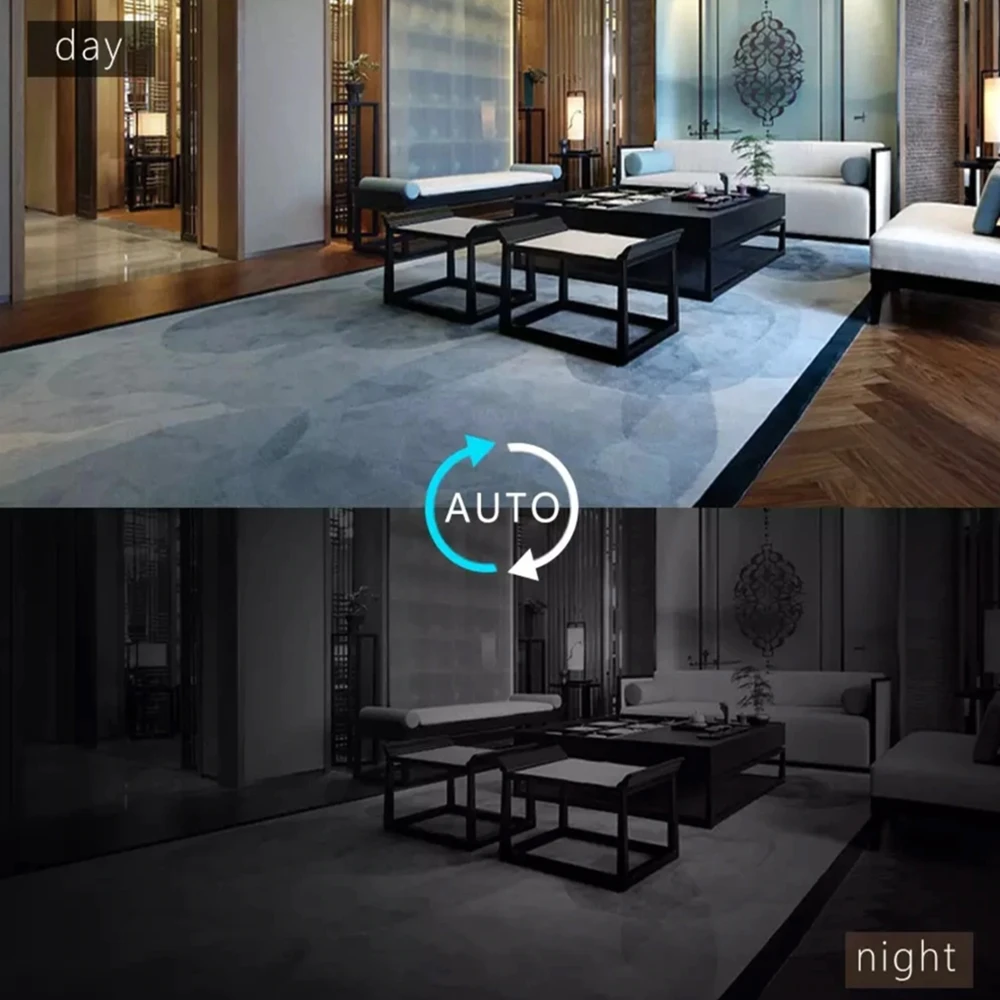
2. Offers a 120-degree wide-angle view, night vision capabilities up to 10 meters, and synchronized audio and video.
3. Infrared technology that remains invisible, videos without any activated lights, no monitoring over the network, motion detection enabled, and supports multiple platforms; can record video while charging.
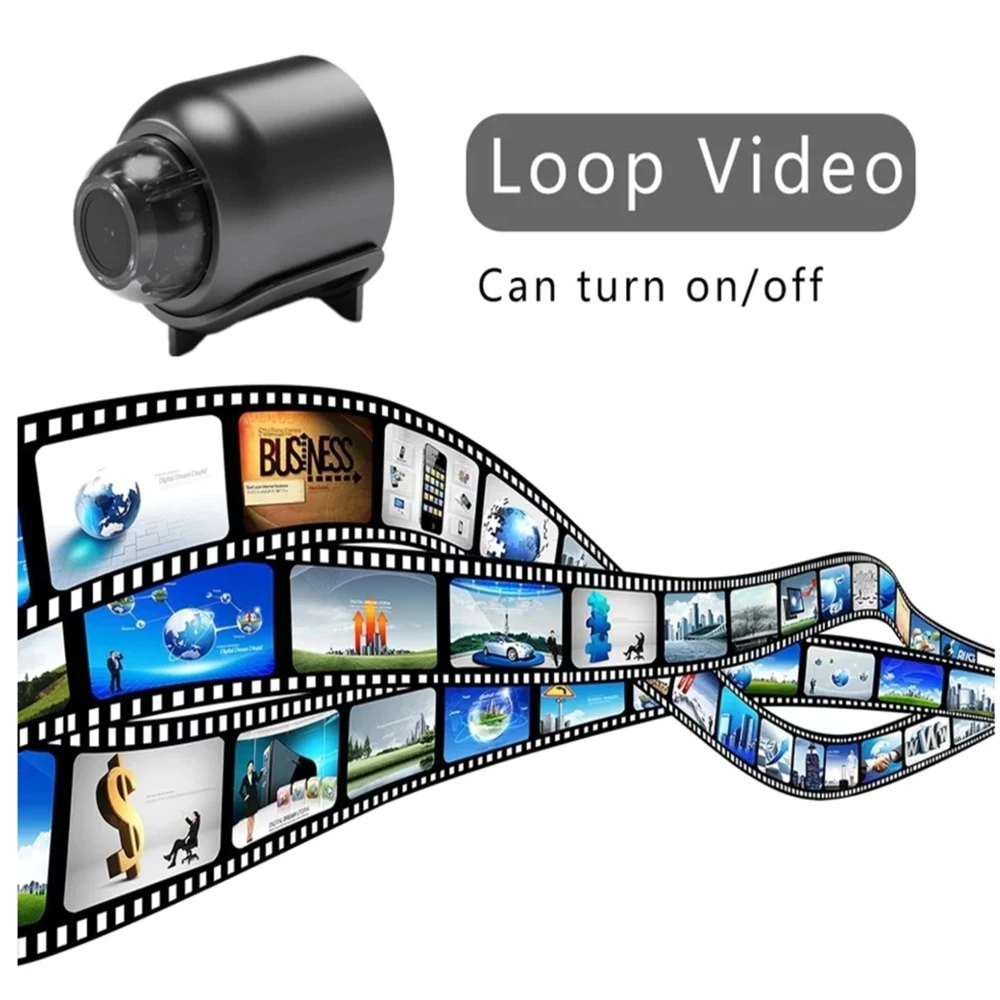
4. Easy one-button video recording, straightforward toggle, indicates battery life.
5. Connects through AP hotspot or WiFi.
6. Comprehensive 360-degree radar monitoring, along with motion and sound detection.
7. The camera does not come with an internal battery and needs an external power source.
Connection Instructions:
1. In a Wi-Fi setting, download and install the HomeEye app via the Google Play Store or App Store, or follow the provided instructions by scanning the QR code. Activate the camera and wait for about 40 seconds. When the blue light begins to blink, it signifies that the device is ready for use.
2. Access your phone settings, find permission management, select bluecam and grant the necessary access, then open bluecam, click on it, and choose the AP hotspot setup. Go to the search page to find the device and connect, press "play," and if you see a security warning, hit "OK" to reach the user settings page.
3. Input the username and password and click confirm; upon successful setup, you can view in real-time.
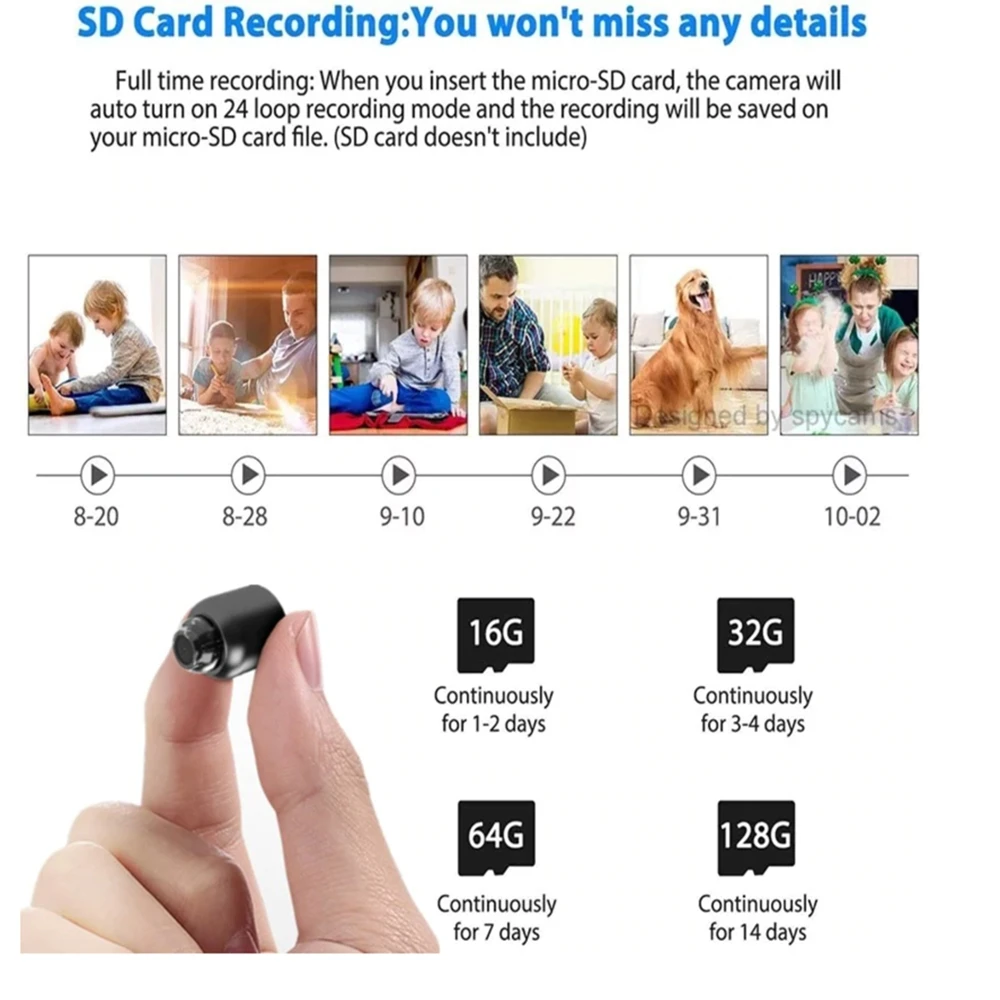
1 camera (memory card not included)
1 micro charging cable
1 product manual available in Chinese and English


If you have any questions about our products or your order, please send an email to support@lisslune.com. Our customer service team typically responds quickly!
Returns to Canada
All returns must be sent to our warehouse in Canada:
Warehouse Dock 51400 Parkhurst Square #1
Brampton, ON L6T 5H5
Canada
Please note: We do NOT offer free returns on this product
